
Back to Guidelines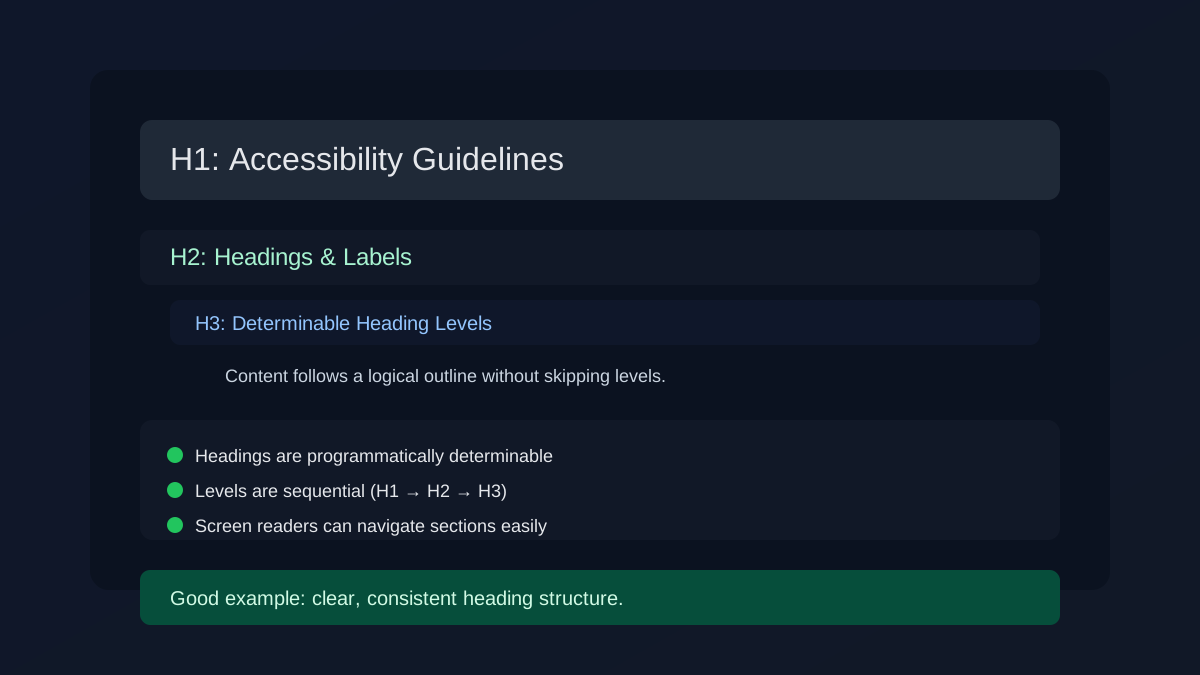
- Perceivable
- WCAG 1.3.1
- Level A
What is Heading-Determinable and Levels?
Headings should be programmatically determinable and follow a logical order so assistive technologies can build a useful outline.
Avoid skipping levels or relying on visual styling only. A clean structure helps users scan and navigate content quickly.
- Screen reader users who navigate by headings.
- Keyboard users who jump between sections.
- Users with cognitive needs who depend on a clear outline.
- Improves Accessibility
- Better Structure
- Better User Experience
- Supports Compliance
Good vs Bad Examples
Use the tabs to compare the right and wrong heading hierarchy.
Logical heading structure
html live code
<h1>Accessibility Guidelines</h1>
<h2>Headings and Labels</h2>
<h3>Determinable Heading Levels</h3>
<p>Content follows a logical outline without skipping levels.</p>
Why this is correct:
- Uses semantic heading elements for each section title.
- Levels are sequential with no skips.
- Supports screen reader outline navigation.
Implementation Checklist
Progress0 / 6 completed (0%)
Knowledge Check
Answer Yes or No to test your understanding of heading hierarchy.
Score: 0 / 5 · Answered: 0 / 5