
Back to Guidelines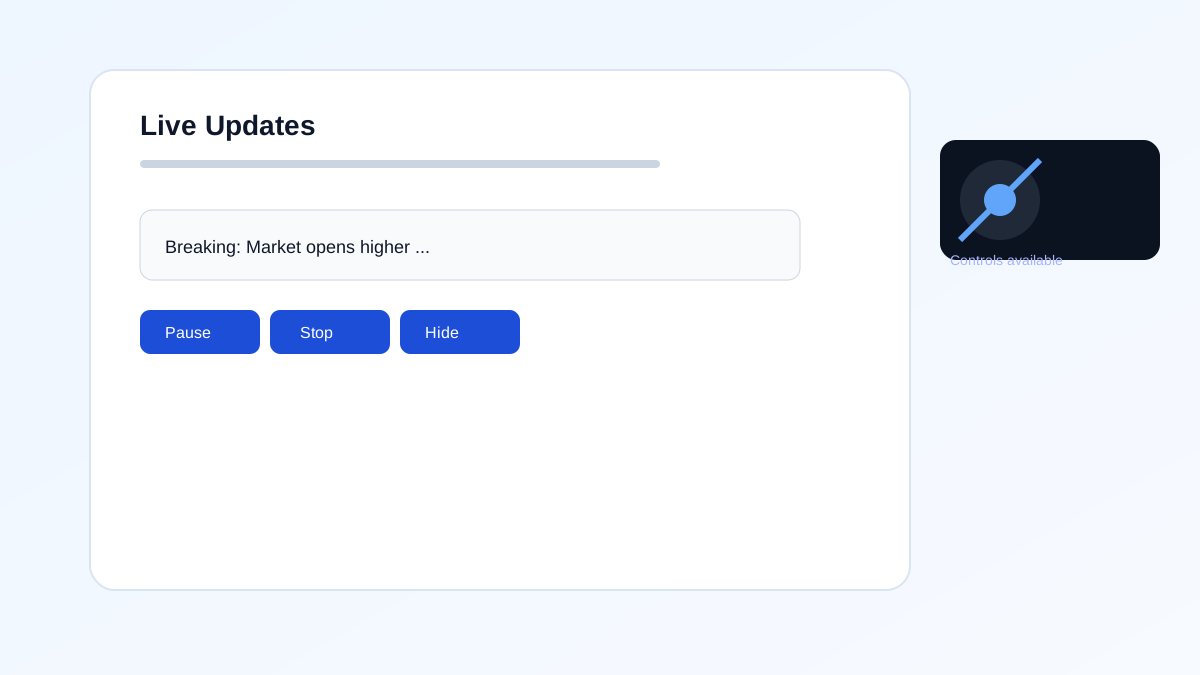
- Operable
- WCAG 2.2.2
- Level A
What is Pause, Stop, Hide?
Moving or auto-updating content should be pausable, stoppable, or hideable.
This keeps motion from distracting or trapping users.
- People sensitive to motion or distraction.
- Keyboard and screen reader users.
- Users who need to focus on reading.
- Improves Accessibility
- User Control
- Better User Experience
- Supports Compliance
Good vs Bad Examples
Use the tabs to compare controlled motion with autoplaying motion.
Controlled moving content
html live code
<button aria-pressed="false">Pause carousel</button>Why this is correct:
- Users can pause or stop motion.
- Auto-updating content can be halted.
- Supports WCAG 2.2.2.
Implementation Checklist
Progress0 / 6 completed (0%)
Knowledge Check
Answer Yes or No to test your understanding of motion controls.
Score: 0 / 5 · Answered: 0 / 5