
Back to Guidelines
What is Info and Relationships?
Use headings, lists, and grouping so structure is clear to both sighted users and assistive technologies.
Who Benefits
- Screen reader users who rely on structure.
- Users with cognitive disabilities who need grouping.
- Keyboard users who navigate by form sections.
- Everyone scanning content quickly.
Design Rules
- Use clear labels and group related fields.
- Show hierarchy with headings and spacing.
- Make form relationships visually obvious.
- Keep visual grouping consistent with structure.
Good Example
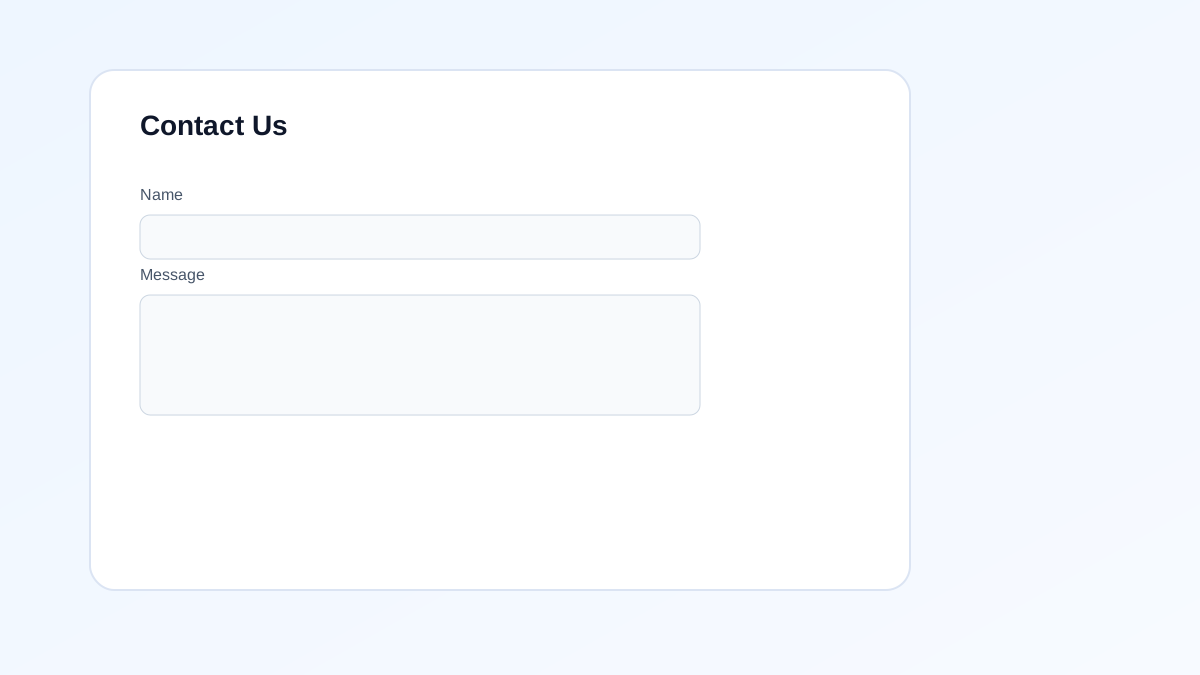
Why this is correct (designer logic):
- Fields are clearly labeled.
- Related inputs are grouped.
- Hierarchy is obvious visually.
- Structure is easy to scan.
Bad Example
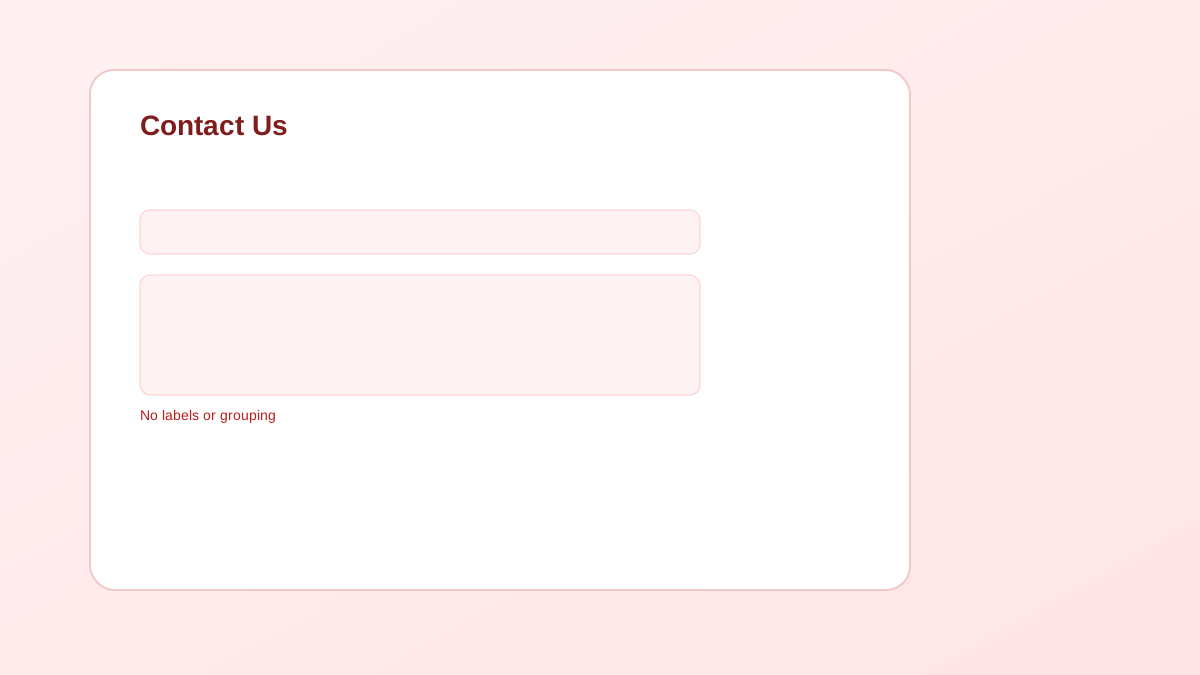
Why this is incorrect (designer logic):
- No labels or grouping.
- Users can’t tell field purpose.
- Visual hierarchy is unclear.
- Structure is confusing.