
Back to Guidelines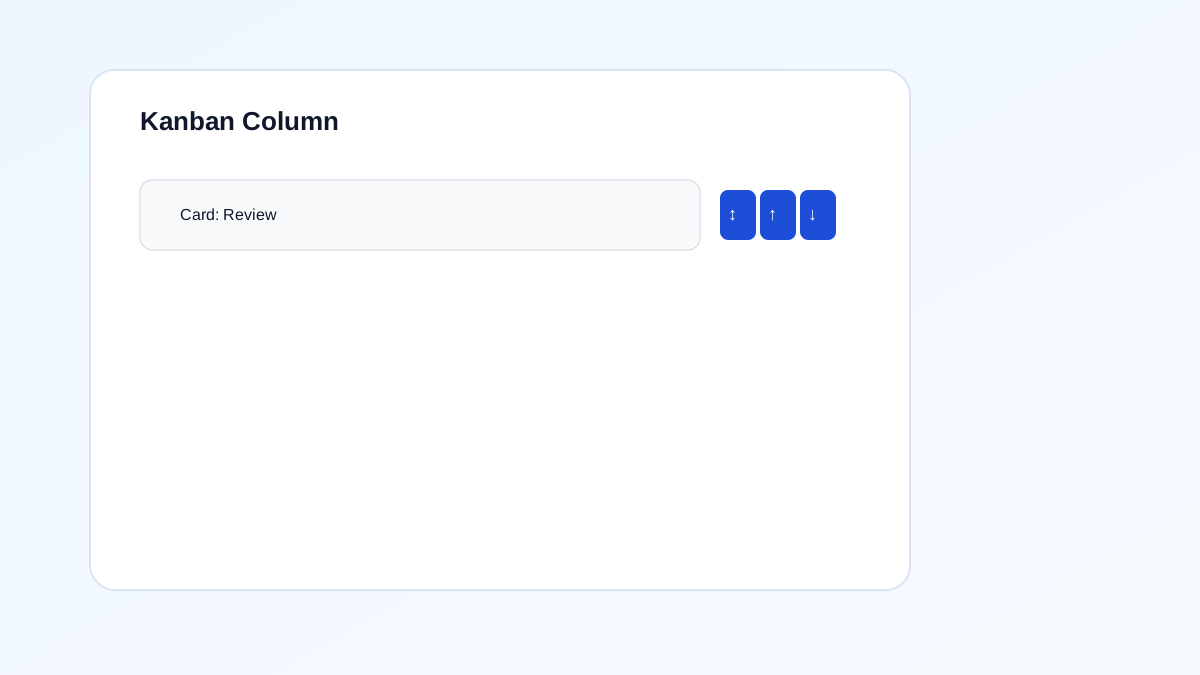
What is Dragging Movements?
Provide non‑drag alternatives for drag‑and‑drop interactions.
Provide non‑drag alternatives for drag‑and‑drop interactions.
- Keyboard and screen reader users.
- People who need predictable interactions.
- Users who benefit from visible focus and clear labels.
Good vs Bad Examples
Use the tabs to compare the accessible pattern with the example to avoid.
Good Example
html live code
<div />Why this is correct (developer logic):
- Provides an accessible and predictable interaction.
- Works better for keyboard and assistive technology users.
- Matches the intended WCAG requirement for this page.
Implementation Checklist
Progress0 / 5 completed (0%)
Knowledge Check
Answer Yes or No to test your understanding of dragging movements.
Score: 0 / 3 · Answered: 0 / 3